Spread and broker commissions directly reduce the efficiency of forex trading. The moment you open a position, you usually see a negative value in your profit column — this reflects trading costs. While these costs reduce your balance, they represent earnings for the broker.
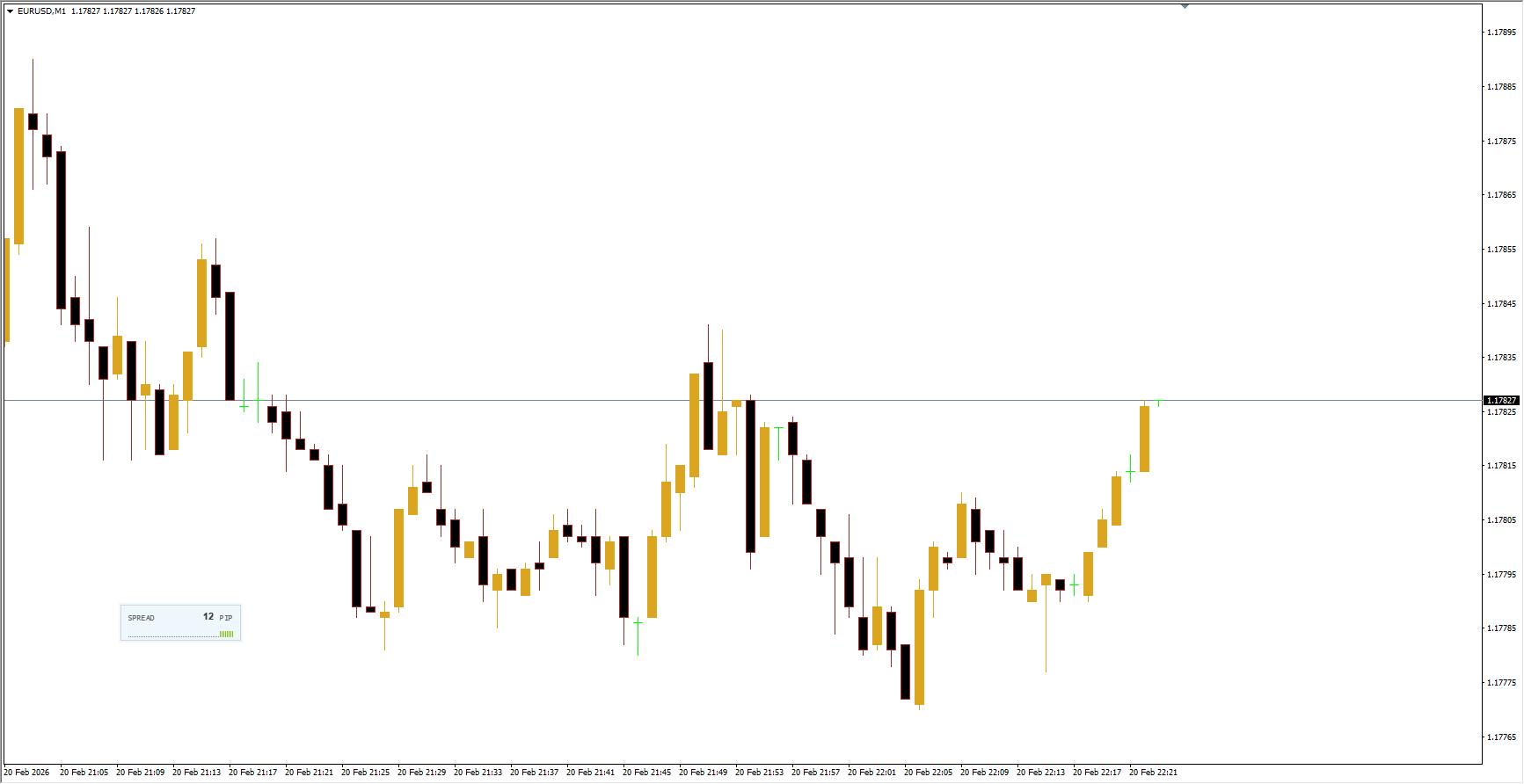
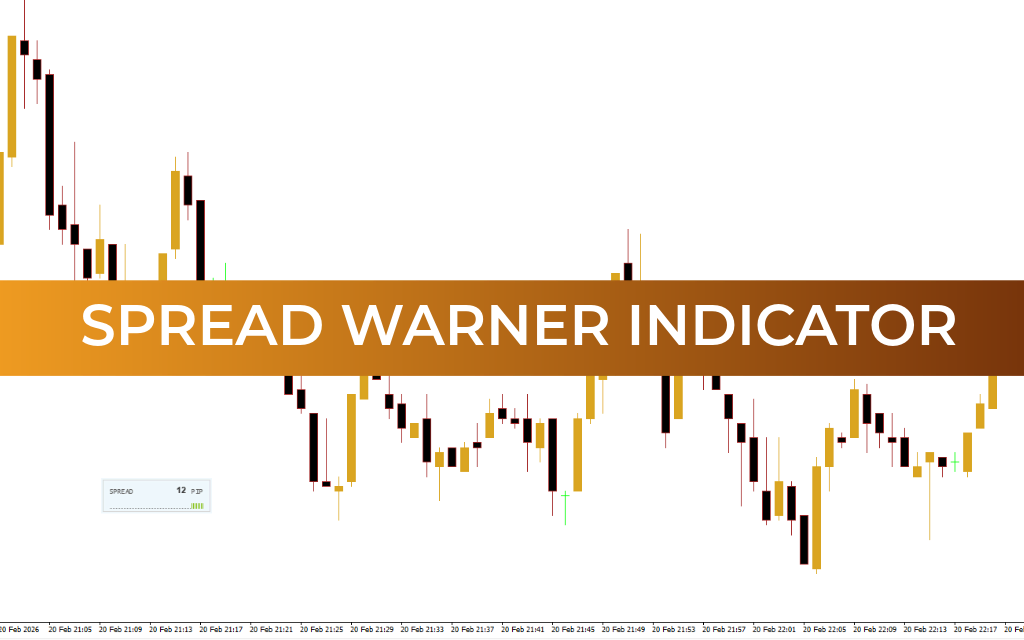
Broker commissions are fixed and clearly listed on the broker’s website. The spread, however, changes constantly based on market Supply And Demand. Although traders can monitor and manage trading conditions to minimize spread impact, the MT4 platform does not include a built-in tool that displays spread values clearly. The SpreadWarner Indicator was designed to solve this problem by providing real-time spread monitoring.
Indicator Description and Features
The SpreadWarner indicator displays the difference between the Bid (buy price) and Ask (sell price) — known as the spread.
This spread is an unavoidable trading cost that is applied immediately after opening a position. The indicator presents this information in a separate window that includes:
A histogram showing spread changes over time
The current spread value in real time
For example, if the spread for GBP/USD is 1 point, you pay that 1-point difference between Bid and Ask when entering a trade.
The spread may increase under certain market conditions, such as:
High volatility during economic news releases
Trading instruments with low liquidity
Price reaching important support or resistance levels
When the market is stable, the histogram (usually shown in green) reflects normal historical spread levels. This indicates favorable trading conditions — assuming your strategy, trend direction, and risk-reward ratio also support a trade.
Why Monitoring Spread Matters
Tracking spread values is essential because trading costs vary depending on the asset, strategy, and holding time.
For example, exotic currency pairs like EUR/SEK can have extremely wide spreads — sometimes hundreds of pips. Even in calm market conditions, spreads may be high, and during volatile periods they can expand even further.
When trading less common instruments, always factor the spread into your planned risk and expected profit. Ignoring spread costs can turn a profitable setup into a losing trade.
When spreads widen significantly, the SpreadWarner indicator highlights the change by coloring both the spread value and histogram, making unusual conditions easy to spot.
Fixed vs Floating Spreads
Spreads may be:
Fixed — remain constant regardless of market conditions
Floating — change dynamically with market liquidity and volatility
Most brokers offer floating spreads, which often appear more attractive during normal conditions but can widen during volatility.
How to Use SpreadWarner Effectively
Before trading, consider these key factors:
Liquidity of the trading instrument
Different assets have different typical spread sizes.
Trade planning with spread included
Set stop-loss and take-profit levels after factoring in spread costs.
Calculate spread in monetary value
Once you know the pip value of your trade, you can estimate the actual cost of the spread before entering a position.
Monitor news and key levels
Spreads often widen during major economic announcements or near important technical levels.
Conclusion
The SpreadWarner indicator is a simple yet practical tool that helps traders stay informed about real-time spread conditions. Its clear display and minimal design make it easy to monitor trading costs without distracting from price analysis.
By alerting you to spread size and sudden changes, SpreadWarner helps you make more informed trading decisions and manage costs more effectively — an important advantage for any forex trader.
FAQ
1 Download
Published:
Feb 20, 2026 15:26 PM
Category: