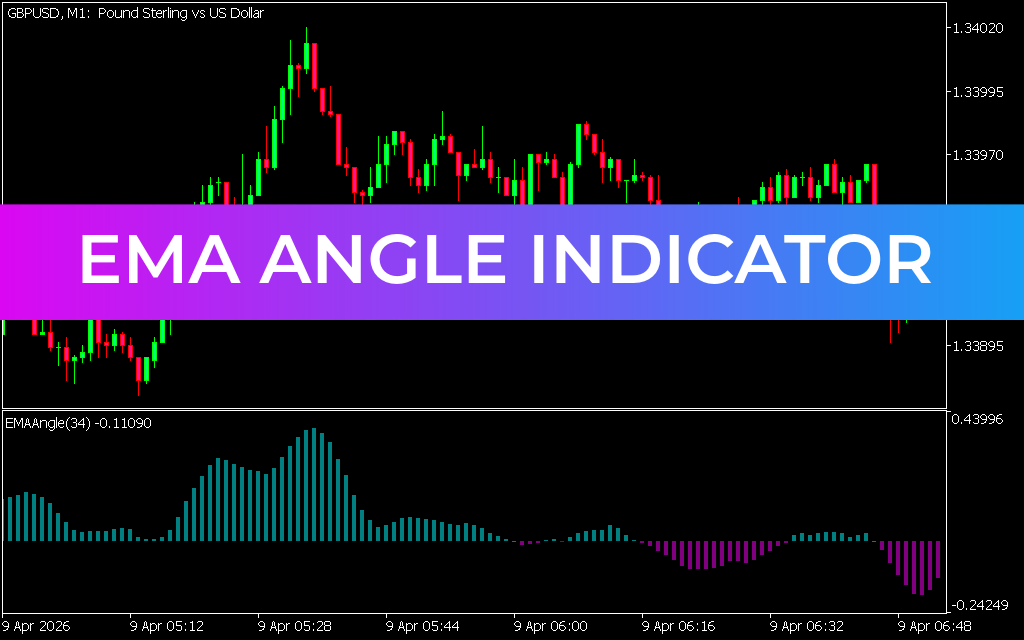
The EMA Angle Indicator for MT5 is a trend-following tool that measures the slope of an exponential moving average (EMA) to assess the acceleration and strength of the current market trend. Unlike traditional moving average crossover strategies, this indicator focuses on the angle of the EMA itself, providing traders with real-time insights into potential buy and sell opportunities.
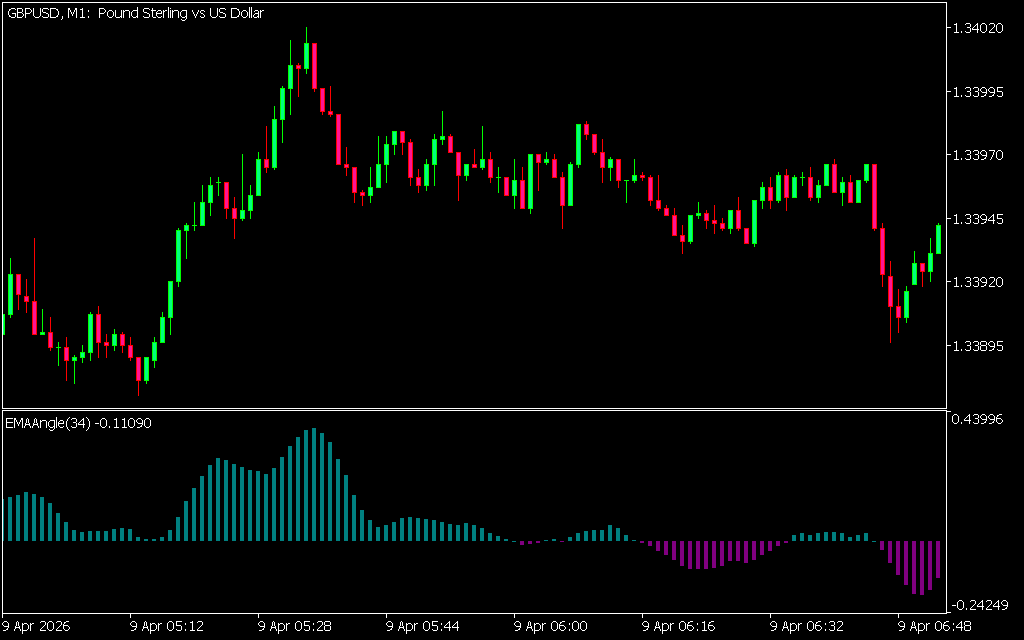
How It Works
- Slope Analysis: Examines the angle of the EMA to determine bullish or bearish momentum.
- Histogram Display: Green bars represent bullish angles, while downward bars indicate bearish angles.
- Multi-Timeframe (MTF) Compatibility: Suitable for both daily and intraday trading, allowing traders to analyze multiple timeframes simultaneously.
Trading Signals
- Bullish Signal: Rising green bars suggest the EMA has turned upward, signaling a potential buy opportunity.
- Bearish Signal: Downward bars indicate the EMA is angled lower, signaling a potential sell opportunity.
- Trend Confirmation: Works best when combined with Price Action or other indicators like RSI, MACD, or support/resistance levels.
Practical Example
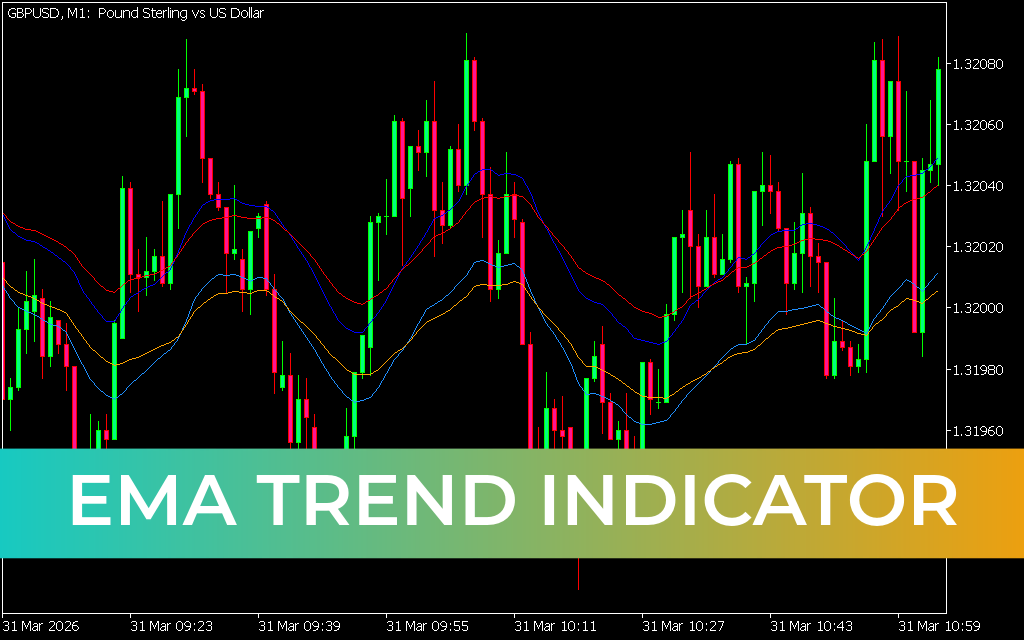
On an MT5 chart, a series of rising green bars indicated a bullish reversal after a correction. Traders could enter long positions, placing stop losses below recent swing lows. Conversely, when bars shifted downward, it signaled bearish momentum, prompting short entries.
Best Practices
- Use EMA Angle on higher timeframes to reduce noise.
- Combine with candlestick patterns or other indicators for stronger confirmation.
- Apply risk management strategies such as stop-loss and take-profit levels.
Conclusion
The EMA Angle Indicator for MT5 is a simple yet effective tool for assessing trend conditions in forex and stock markets. Its focus on EMA slope makes it ideal for beginner traders seeking straightforward signals, while experienced traders can use it to refine trend-following strategies. Best of all, it’s free to download and easy to integrate into your trading setup.
SEO Meta Description
2 Downloads
Published:
Apr 09, 2026 05:59 AM
Category: