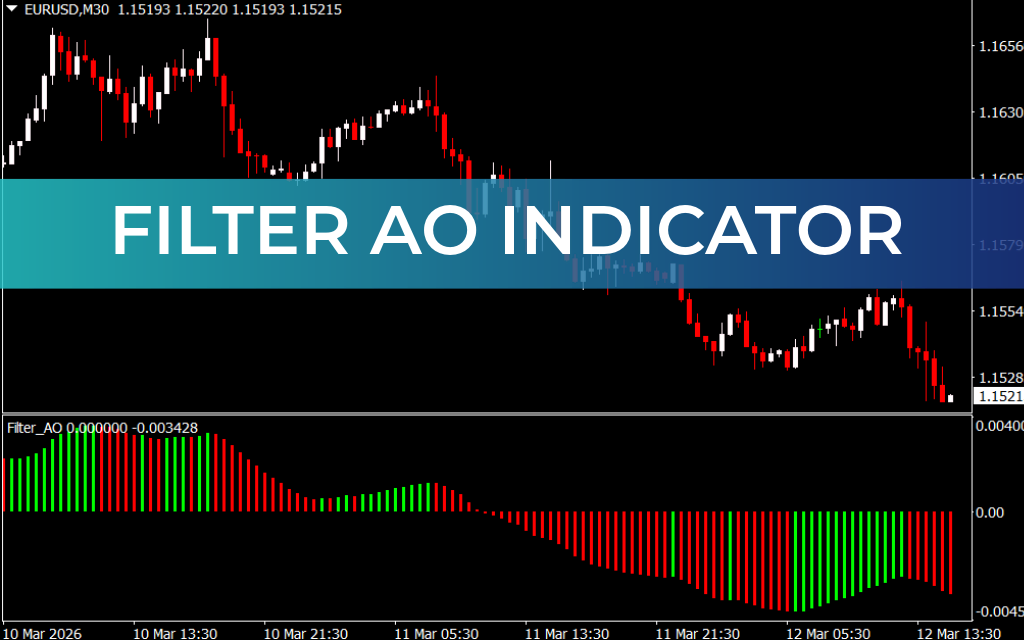
The Filter AO Indicator for MT4 is a powerful momentum-based trading tool that helps traders identify trend direction, entry points, and potential market reversals without relying heavily on additional confirmation indicators. Built for the MetaTrader 4 platform, this indicator enhances the functionality of the Awesome Oscillator by filtering signals to produce clearer trading opportunities.
Unlike many technical indicators that require multiple tools for confirmation, the Filter AO provides built-in confluence signals through its histogram patterns and momentum analysis. Because of its fast reaction to price movements, it is especially popular among scalpers and short-term traders.
How the Filter AO Indicator Works
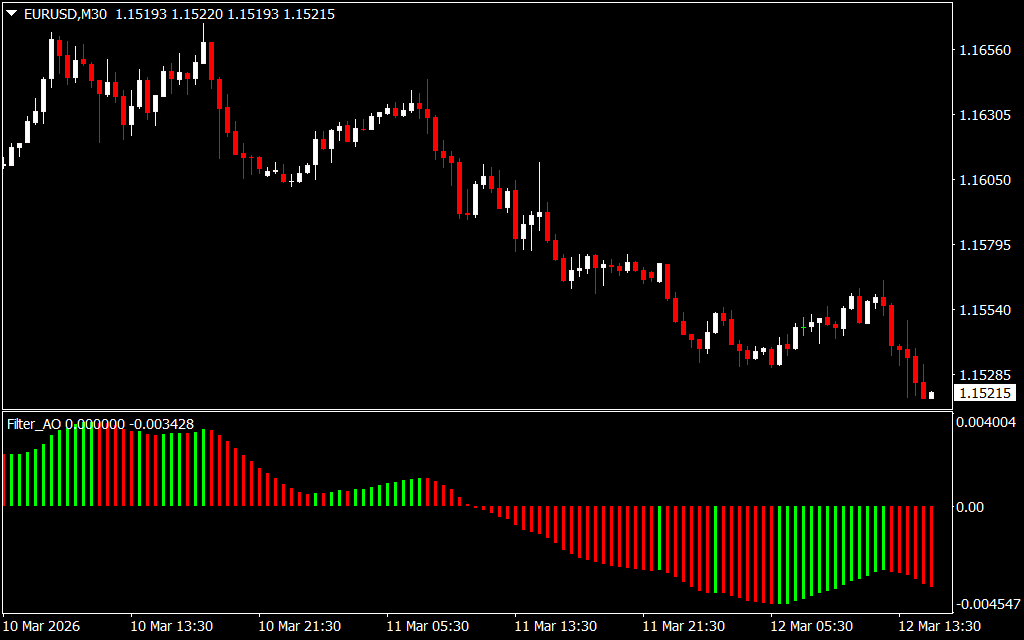
The Filter AO indicator displays histogram bars in a separate window below the price chart. These bars represent market momentum and Trend Strength.
- Green Bars – Indicate bullish momentum
- Red Bars – Indicate bearish momentum
By analyzing the histogram patterns and their relationship to the zero line, traders can identify trend direction and potential entry points.
The indicator supports three primary trading strategies:
- Zero Line Crossover
- Twin Peaks Strategy
- Saucer Strategy
Zero Line Crossover Strategy
The zero line crossover is one of the simplest ways to trade with the Filter AO indicator.
Buy Signal
- The indicator crosses above the zero line.
- Green histogram bars begin to appear, confirming bullish momentum.
Sell Signal
- The indicator crosses below the zero line.
- Red histogram bars appear, indicating bearish momentum.
This method helps traders identify early trend shifts.
Saucer Strategy
The saucer strategy identifies short-term momentum changes while the market remains in the same trend.
Buy Signal
- Two red histogram bars appear.
- The second red bar is shorter than the first.
- The next bar turns green, indicating increasing bullish momentum.
This pattern signals a potential buy opportunity.
Sell Signal
- A short green bar follows a larger green bar.
- The next histogram bar turns red.
- The following bar confirms bearish momentum.
This setup suggests a sell entry.
Twin Peaks Strategy
The twin peaks strategy focuses on identifying divergence-like patterns in the histogram.
Buy Signal
- Two troughs form below the zero line.
- The second trough is higher than the first, indicating strengthening bullish momentum.
Sell Signal
- Two peaks appear above the zero line.
- The second peak is lower than the first, signaling weakening bullish momentum.
This method helps traders anticipate trend reversals.
Example Trading Setup
On a EUR/GBP 4-hour chart, the Filter AO indicator clearly shows both entry and exit opportunities.
- A buy signal occurs when the indicator crosses above the zero line, signaling growing bullish momentum.
- A sell signal appears when the saucer pattern forms, where green bars shorten before longer red bars appear.
Traders can exit trades when the histogram bars change color, indicating a shift in market momentum.
Advantages of the Filter AO Indicator
The Filter AO indicator is widely used because of its simplicity and versatility.
Key benefits include:
- Clear momentum-based histogram signals
- Multiple trading strategies in one indicator
- Effective for Scalping and intraday trading
- Helps identify trend reversals and continuations
- Works across multiple timeframes and instruments
Conclusion
The Filter AO Indicator for MT4 is an excellent momentum tool that combines several trading strategies within a single indicator. By analyzing histogram patterns and zero-line movements, traders can easily identify high-probability entry and exit points.
Whether you prefer scalping, day trading, or trend trading, the Filter AO indicator can provide valuable insights into market momentum and help improve trading accuracy.
FAQ
Published:
Mar 12, 2026 10:33 AM
Category: