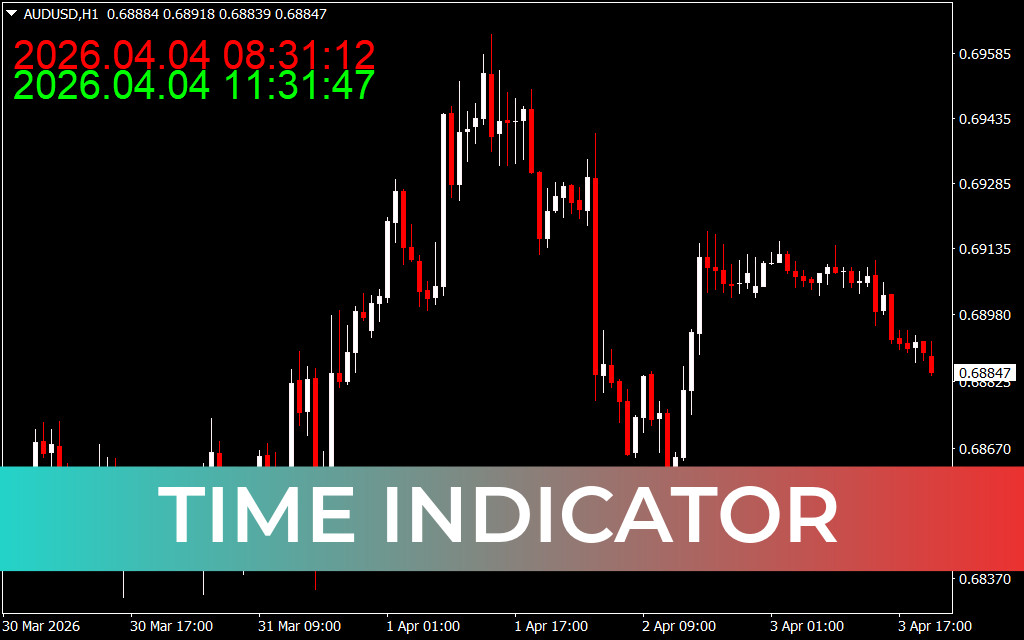
The Time Indicator for MT4 is a simple yet highly valuable tool for traders who rely on precise timing to execute trades. Forex markets operate 24 hours a day, but volatility often surges during specific sessions — particularly during the London and New York overlap or when high-impact news is released. The Time Indicator helps traders keep track of both local time and broker server time, ensuring they never miss critical trading opportunities.
How It Works
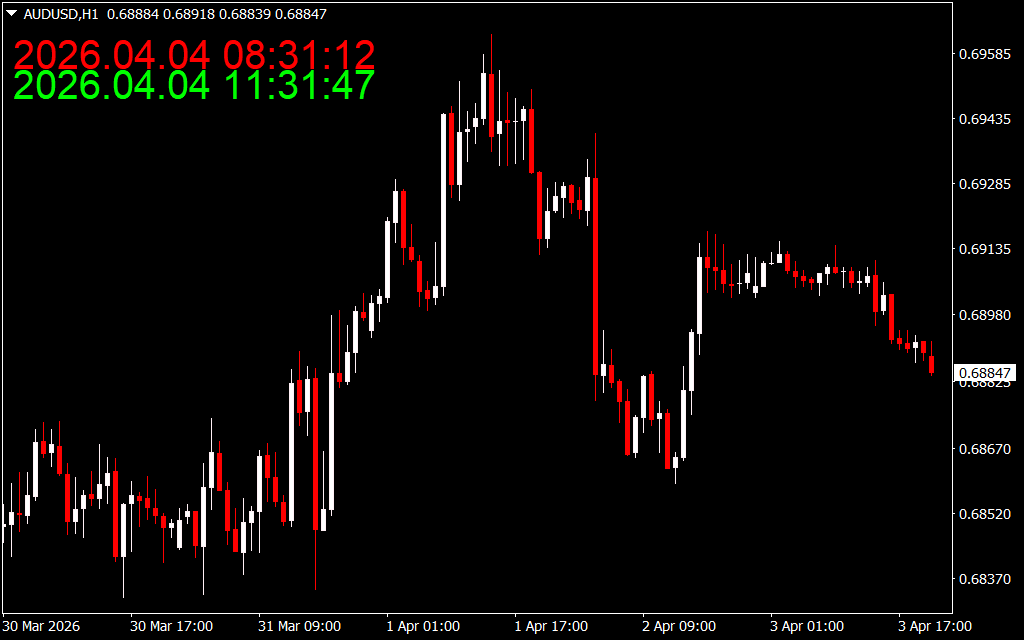
The indicator displays two separate times directly on the chart:
- Local Time (Lime): The trader’s own time zone.
- Server Time (Red): The broker’s server time zone.
This dual display allows traders to synchronize their strategies with session openings, news releases, and volatility spikes without confusion.
Why It’s Useful
- News Traders: Time entries around scheduled economic announcements.
- Session Traders: Focus on volatility during Tokyo, London, or New York sessions.
- Technical Traders: Know when to avoid trading during low-volume hours.
- Exit Timing: Helps identify when to close trades before session transitions.
Best Practices
The Time Indicator does not generate buy or sell signals. Instead, it should be combined with other tools for maximum effectiveness:
- Market Sessions Indicator: To visualize session boundaries.
- Fxr Economic Calendar: To track upcoming news events. Together, these tools provide a complete picture of timing, volatility, and market conditions.
Key Features
- Displays both local and server time.
- Works across all MT4 chart timeframes.
- Beginner-friendly with clear visual cues.
- Valuable for news, session, and technical traders.
Conclusion
The Time Indicator for MT4 is a must-have for traders who rely on precise timing. By showing both local and server time, it ensures traders can align their strategies with session overlaps and news releases. While it doesn’t provide direct signals, it becomes powerful when combined with other indicators. Free to download and easy to install, it’s an essential addition to any trader’s toolkit.
2 Downloads
Published:
Apr 04, 2026 02:32 AM
Category: