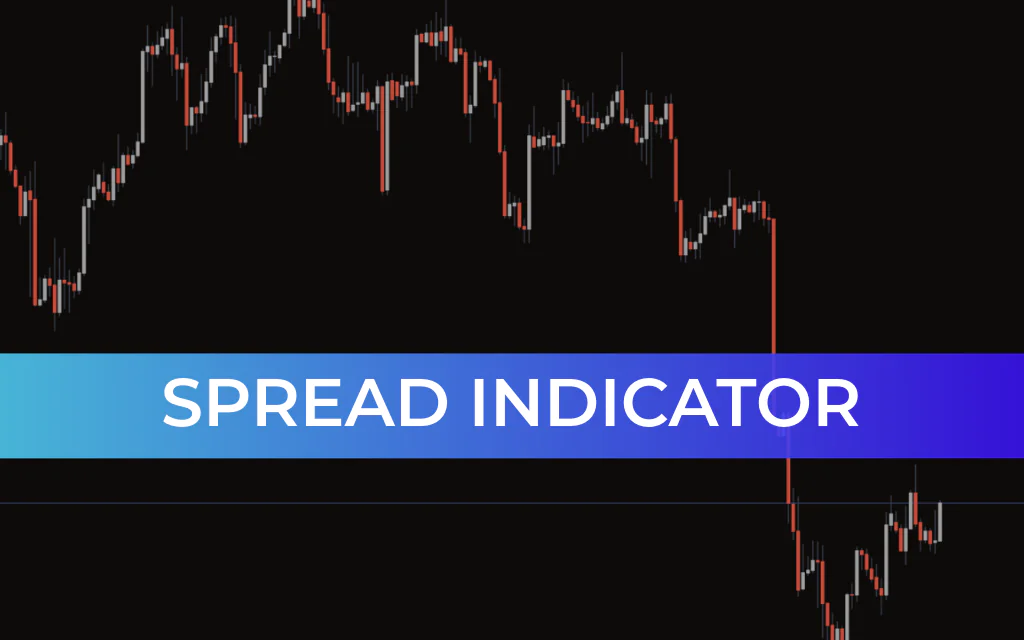
The Spread Indicator for MT4 allows traders to calculate the minimum, average, and maximum spread of any currency pair over a selected period. This makes it an essential tool for evaluating trading costs and comparing spreads between different forex brokers.
Understanding spread behavior is crucial for risk management, especially during volatile market conditions.
What is the Spread Indicator?
The Spread Indicator measures and displays the real-time difference between the bid and ask price of a currency pair.
While active on your chart, the indicator:
Continuously tracks live spread values
Records historical spread data
Displays spread readings directly on the MT4 chart
Updates dynamically as bid and ask prices change
For example, you may see a display such as:
Spread = 1.6
This value fluctuates in real-time depending on market liquidity and volatility.
During major economic events—such as Non-Farm Payroll (NFP) releases—spreads can widen significantly. Monitoring spread behavior during these periods helps traders avoid unnecessary trading costs.
Why Use the Spread Indicator?
Spreads directly impact your:
Entry price
Stop-loss placement
Take-profit targets
Overall profitability
The indicator is especially useful when trading:
Forex minor pairs (e.g., CHF/JPY)
Exotic currency pairs
During high-impact news events
Low-liquidity market sessions
For example, minor pairs like CHF/JPY may show spreads significantly wider than major pairs such as EUR/USD. Being aware of this helps you adjust your stop-loss and position sizing accordingly.
How to Use the Spread Indicator
The Spread Indicator works best as a trading filter, not a standalone signal generator.
Buy Setup
Ensure the indicator shows a minimum or stable spread
Wait for a valid confirmation candle based on your trading strategy
Enter a long position
Place stop-loss below the recent swing low
Exit when the trend turns bearish or your strategy signals exit
Sell Setup
Ensure the indicator shows a minimum or stable spread
Wait for confirmation from your trading strategy
Enter a short position
Place stop-loss above the recent swing high
Exit when the trend turns bullish or your strategy signals exit
Best Practices
Avoid trading when spreads widen dramatically
Monitor spreads before high-impact news releases
Combine with trend indicators or Price Action strategies
Use it to optimize stop-loss and risk management
Conclusion
The Spread Indicator for MT4 is a practical and essential tool for measuring trading costs in real time. It helps traders identify favorable trading conditions by monitoring spread behavior and avoiding expensive entries during volatile periods.
Although it does not generate buy or sell signals on its own, it serves as an excellent filter tool when combined with other technical indicators and price action strategies.
The indicator is free to download, easy to install, and suitable for both beginner and advanced forex traders.
FAQ
1 Download
Published:
Feb 20, 2026 11:34 AM
Category: