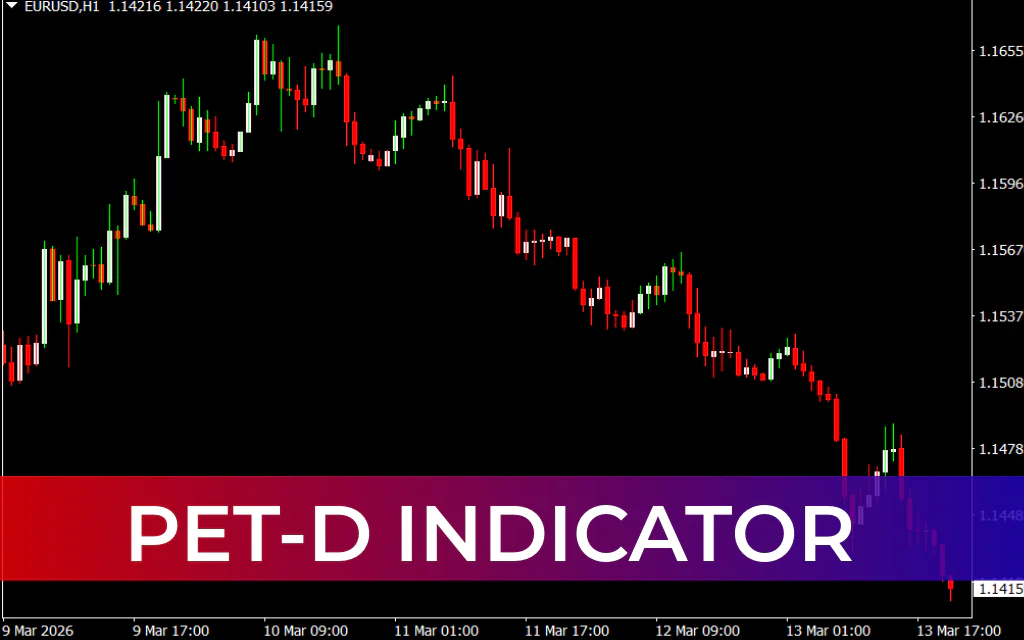
The PET-D Indicator (Primo Early Trend Detector) is a powerful trend-following tool for MetaTrader 4 designed to identify early price trends and potential reversal points. The indicator was created by professional trader Steven Primo and focuses on detecting changes in market direction before they fully develop.
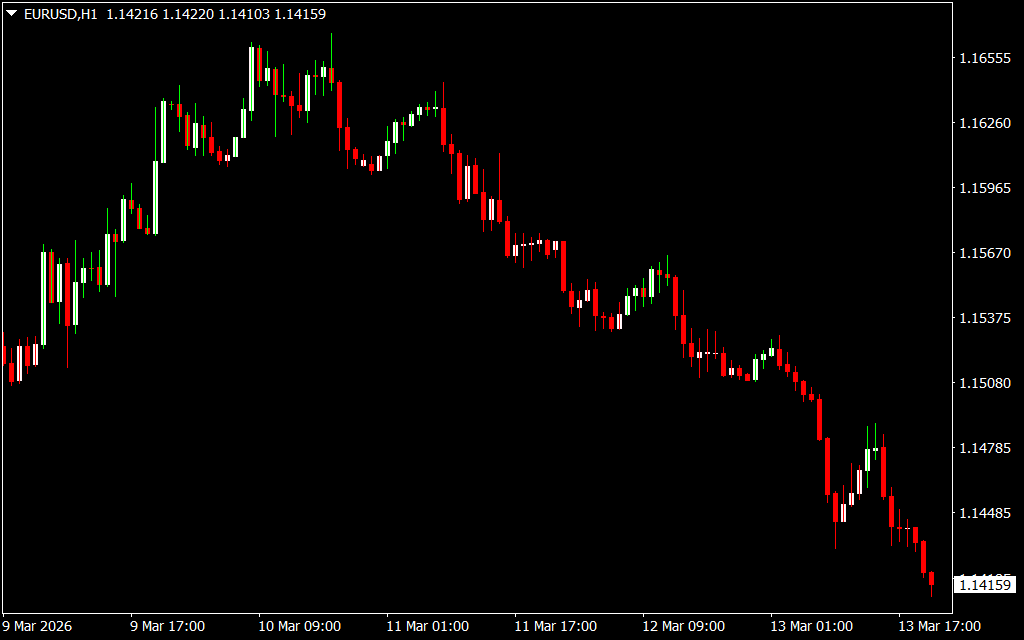
The PET-D indicator simplifies technical analysis by changing the color of price bars to signal bullish or bearish trends. This visual approach allows traders to quickly understand the market direction and find clear entry and exit points.
- Green bars indicate a bullish trend
- Red bars indicate a bearish trend
Because of its simple design, the indicator is suitable for both beginner and advanced forex traders. It can also be used on all timeframes, including intraday charts as well as daily, weekly, and monthly charts.
How the PET-D Indicator Works
The PET-D indicator analyzes price movements and highlights the early stages of a trend through colored price bars.
- When the indicator turns green, it signals bullish momentum.
- When it turns red, it signals bearish pressure.
These color changes act as buy and sell trading signals, making it easy to spot potential market opportunities.
Since the indicator is designed to detect early trend development, traders can often enter trades before the trend becomes obvious.
PET-D Indicator Buy Signal
A buy signal occurs when the market shifts from bearish to bullish momentum.
Trade Setup
- The indicator changes the bar color to green.
- This indicates the start of a bullish trend.
- Enter a BUY trade after the bullish bar confirmation.
- Place the stop-loss below the previous swing low.
- Take profit when the indicator changes color to red or when a good risk-to-reward ratio is reached.
This setup suggests increasing buying pressure in the market.
PET-D Indicator Sell Signal
A sell signal appears when the market shifts from bullish to bearish momentum.
Trade Setup
- The indicator changes the bar color from green to red.
- This signals the beginning of a bearish trend.
- Enter a SELL trade after confirmation.
- Place the stop-loss above the previous swing high.
- Exit the trade when the indicator changes back to green or when the target risk-reward ratio is achieved.
This setup indicates strong selling pressure and potential downward movement.
Using PET-D with Top-Down Analysis
The PET-D indicator performs especially well when used with top-down technical analysis.
Example approach:
- Start with a higher timeframe chart to identify the overall market trend.
- Switch to a lower timeframe to find accurate entry points using PET-D signals.
Higher timeframes tend to produce stronger trends and better risk-reward opportunities, which can significantly improve trading results.
Trading Tips for Better Results
To improve the accuracy of PET-D signals:
- Combine the indicator with Support And Resistance levels.
- Use it with trend lines or price channels.
- Confirm signals with other indicators such as the Relative Strength Index (RSI) or Moving Average Convergence Divergence (MACD).
- Align trades with the higher timeframe trend.
This confluence approach can help traders filter false signals and improve trade quality.
Conclusion
The PET-D Indicator for MT4 is a simple yet effective tool for identifying bullish and bearish market trends. Its color-changing bar system provides clear buy and sell signals, making it accessible for beginners while still offering valuable insights for advanced traders.
When combined with Price Action, support and resistance, or other technical indicators, the PET-D indicator can become a powerful component of a well-structured trading strategy.
FAQ
2 Downloads
Published:
Mar 14, 2026 08:05 AM
Category: