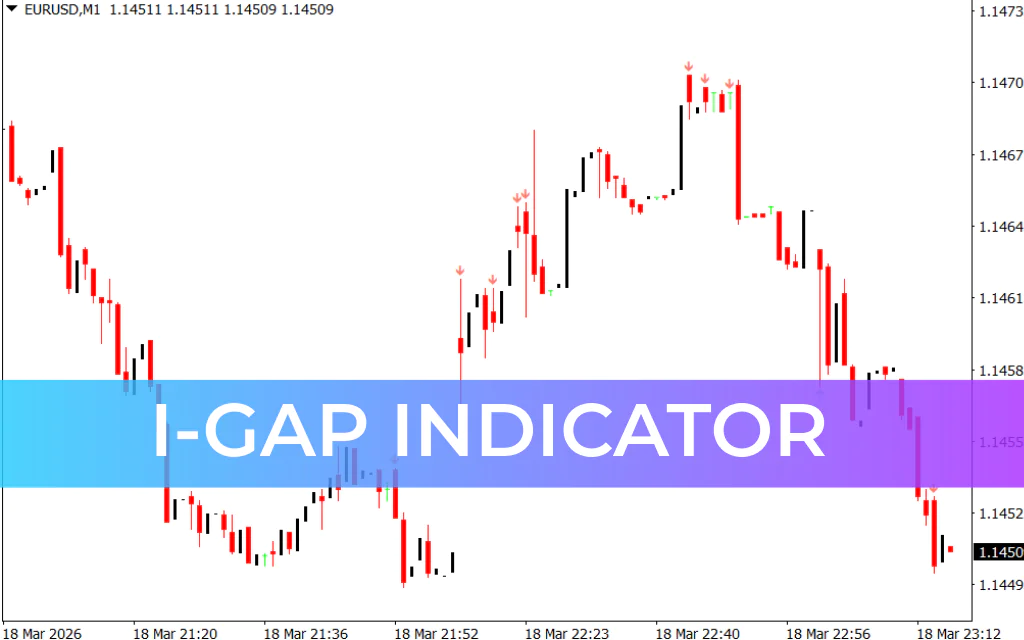
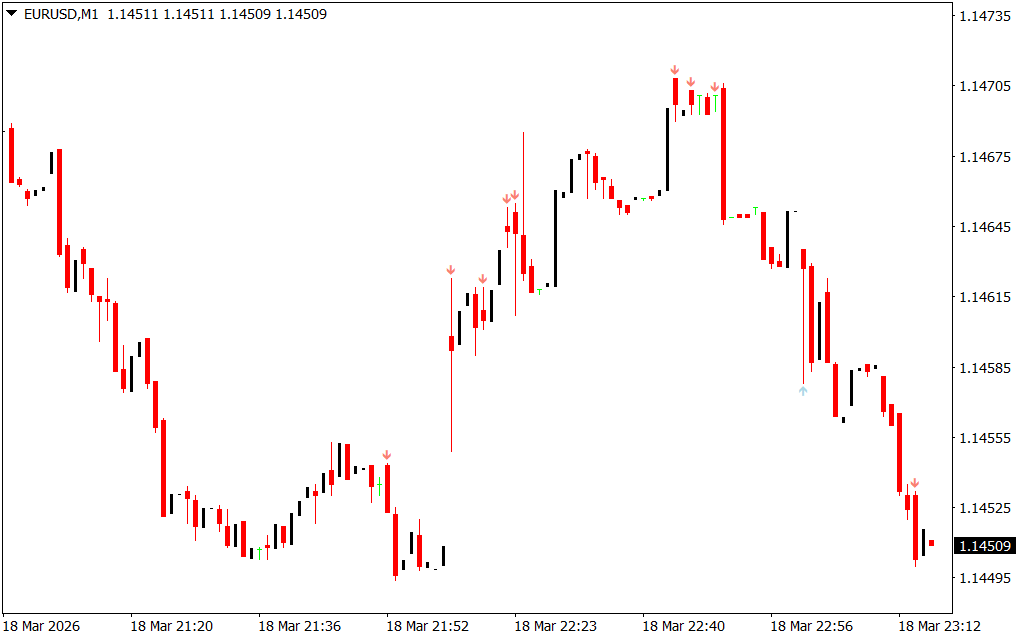
The i-GAP Indicator for MetaTrader 4 (MT4) is a simple yet powerful technical tool designed to identify market gaps directly on your trading chart. It visually marks these gaps using arrows, helping traders quickly understand shifts in market sentiment and potential trading opportunities.
Market gaps often occur when there is a sudden imbalance between buyers and sellers, usually after major news releases or during periods of high volatility. With the i-GAP indicator, traders can easily spot these situations and prepare for potential trend movements.
Whether you are a forex trader, scalper, or day trader, the i-GAP indicator helps highlight key price zones where the market may reverse or continue its movement.
How the i-GAP Indicator Works
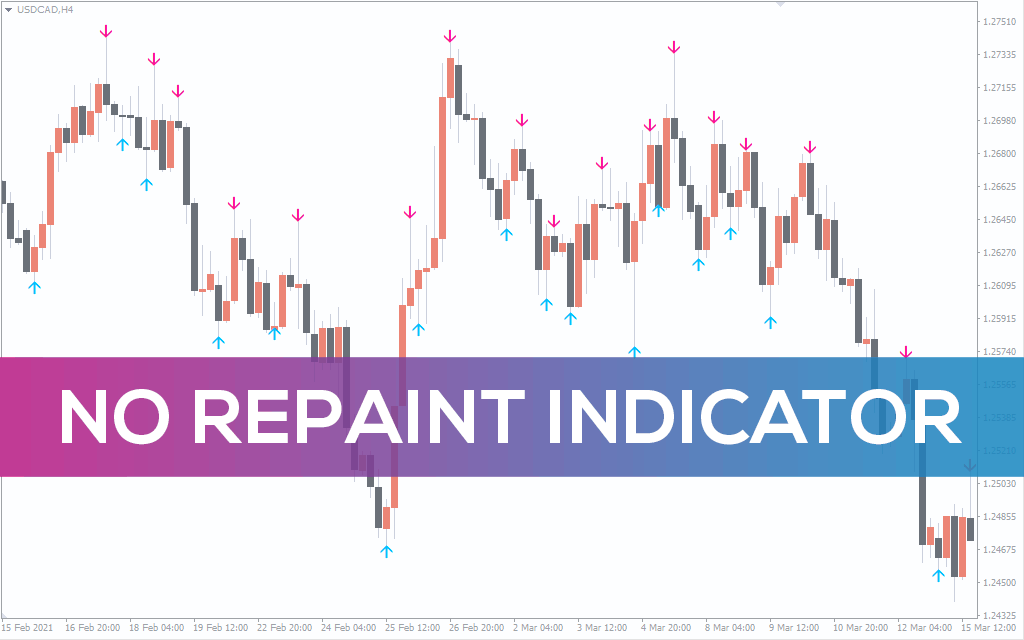
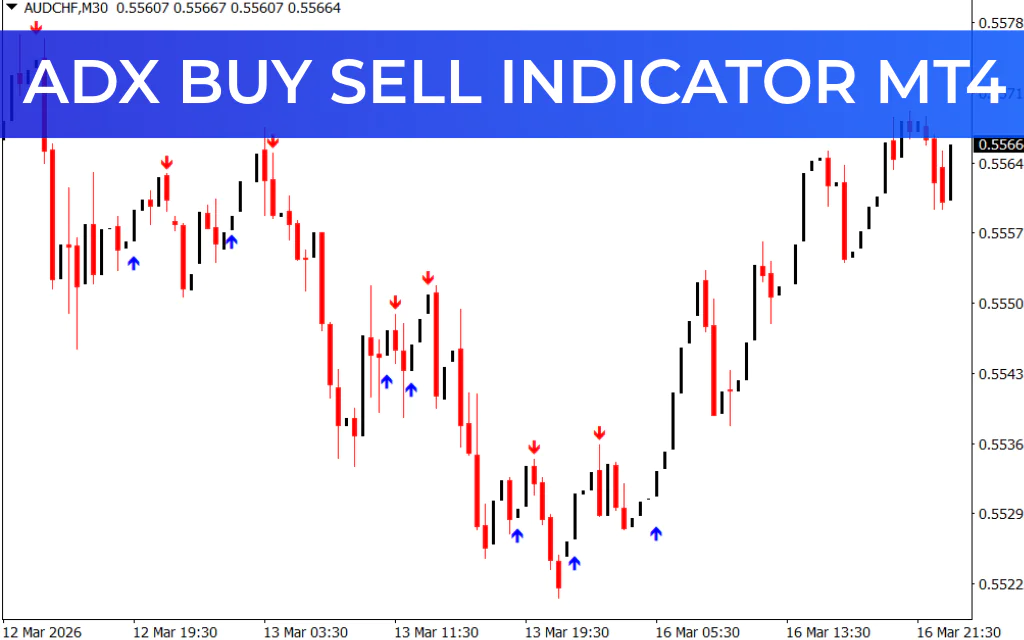
The i-GAP indicator displays two types of arrows on the MT4 chart:
- Upward Arrow – Indicates a bullish market gap, suggesting stronger buying pressure and fewer sellers in the market.
- Downward Arrow – Indicates a bearish market gap, showing stronger selling pressure and fewer buyers.
These arrows help traders quickly identify moments when the market may experience increased volatility or directional bias.
When a gap appears, it usually signals that the market is adjusting to new information, which can lead to trend continuation or reversal.
Best Timeframes for the i-GAP Indicator
Although the i-GAP indicator can work on multiple timeframes, it performs best on lower timeframes, including:
- M1 (1-Minute Chart)
- M5 (5-Minute Chart)
- M15 (15-Minute Chart)
- M30 (30-Minute Chart)
Gaps often appear in these timeframes after important economic news or sudden market activity, making them ideal for scalpers and intraday traders.
How to Trade with the i-GAP Indicator
The primary purpose of the i-GAP indicator is to detect market gaps, not to provide direct buy or sell signals. Therefore, traders should always wait for price confirmation before entering a trade.
When an arrow appears, it typically indicates low trading activity or a temporary imbalance in the market. Instead of entering immediately, traders should observe whether the price continues the trend or reverses.
Since the indicator does not provide exact entry and exit points, it is recommended to combine it with other technical indicators such as:
- RSI (Relative Strength Index)
- MACD (Moving Average Convergence Divergence)
- Moving Averages
Using multiple indicators improves confirmation and reduces false signals.
i-GAP Indicator Buy Setup
Follow these steps to identify a potential buy opportunity:
- Locate a red or blue arrow appearing on the chart.
- Observe the market and wait for price confirmation.
- Enter a buy trade once the price begins moving upward after the arrow appears.
- Place a stop-loss below the recent swing low.
- Exit the trade when the trend weakens or reverses.
i-GAP Indicator Sell Setup
Follow these steps to identify a sell opportunity:
- Identify a red or blue arrow on the chart.
- Wait for the price to confirm downward momentum.
- Enter a sell trade after the arrow appears and price moves downward.
- Place a stop-loss above the recent swing high.
- Close the trade when the market trend starts to reverse.
Advantages of the i-GAP Indicator
- Simple and easy to use
- Clearly highlights market gaps
- Works well for Scalping and intraday trading
- Compatible with all MT4 trading instruments
- Helps identify important price levels
Conclusion
The i-GAP Indicator for MT4 is a useful tool for traders who want to identify market gaps and potential price movements. While it effectively highlights gap zones and market sentiment, it does not provide precise entry or exit signals.
For best results, traders should combine the i-GAP indicator with other technical analysis tools such as RSI or MACD to confirm trading opportunities and improve overall strategy accuracy.
FAQ
3 Downloads
Published:
Mar 18, 2026 18:17 PM
Category: