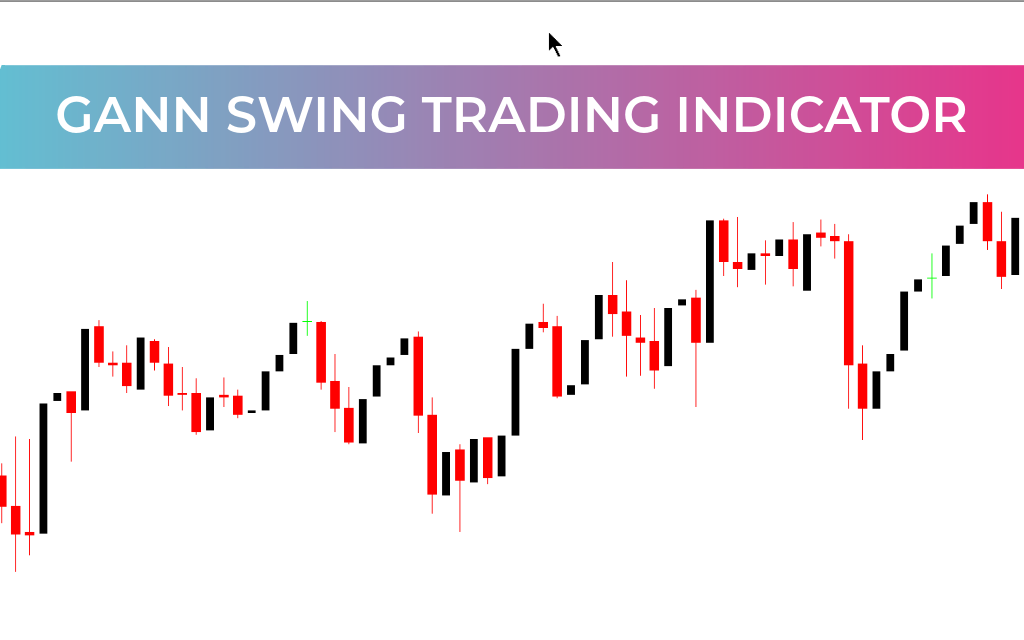
The Gann Swing Trading Indicator for MetaTrader 4 (MT4) is a professional tool designed for traders who prefer manual control over swing analysis. Inspired by W.D. Gann’s principles, it helps identify price swings, retracement zones, and structural reversals. Unlike fully automatic indicators, this tool gives traders the ability to define swing points, enabling precise analysis tailored to each market setup.
Key Features of the Gann Swing Trading Indicator
Manual Swing Definition: Start and end points are selected by the trader for full control.
Automatic Swing Calculations: Once swing points are set, the indicator plots structure, Fibonacci retracements, and key price zones.
Retracement Highlighting: Shaded areas emphasize critical reversal zones, especially near the 100% mark.
Flexible Workflow: Easily reset or redraw swings to adapt to new market conditions.
Active Engagement: Encourages a hands-on approach to analyzing Price Action and swing behavior.
How It Works
The indicator relies on trader-defined swing legs to generate actionable insights:
Draw a Swing: Click the NEW button and select starting and ending points on the chart.
Automatic Plotting: Press OK, and the indicator will display swing structure, Fibonacci retracement levels, and important reversal zones.
Critical Zones: Shaded retracement areas show potential price pause, reversal, or continuation points.
Resetting Swings: Press DEL to clear the current swing and start a new analysis.
By allowing traders to manually define swings, the indicator adapts to different market structures, helping refine entries, exits, and breakout confirmations.
Benefits for Traders
Manual Precision: Full control over swing analysis for customized insights.
Retracement Analysis: Highlights critical price zones for reversals or trend continuations.
Hands-On Engagement: Enhances understanding of market rhythm and price behavior.
Flexible & Resettable: Easily redraw swings to match evolving market conditions.
Better Decision-Making: Helps identify entries, exits, and potential breakout points.
Conclusion
The Gann Swing Trading Indicator for MT4 is ideal for traders who value manual precision over automated signals. By letting you define swing points yourself, it offers a flexible and customizable approach to analyzing price structure, retracements, and reversals. For swing traders who want to actively engage with the market and gain deeper insight into price action, this indicator is a must-have tool that balances control, accuracy, and clarity.
FAQ
4 Downloads
Published:
Feb 21, 2026 07:16 AM
Category: