Free
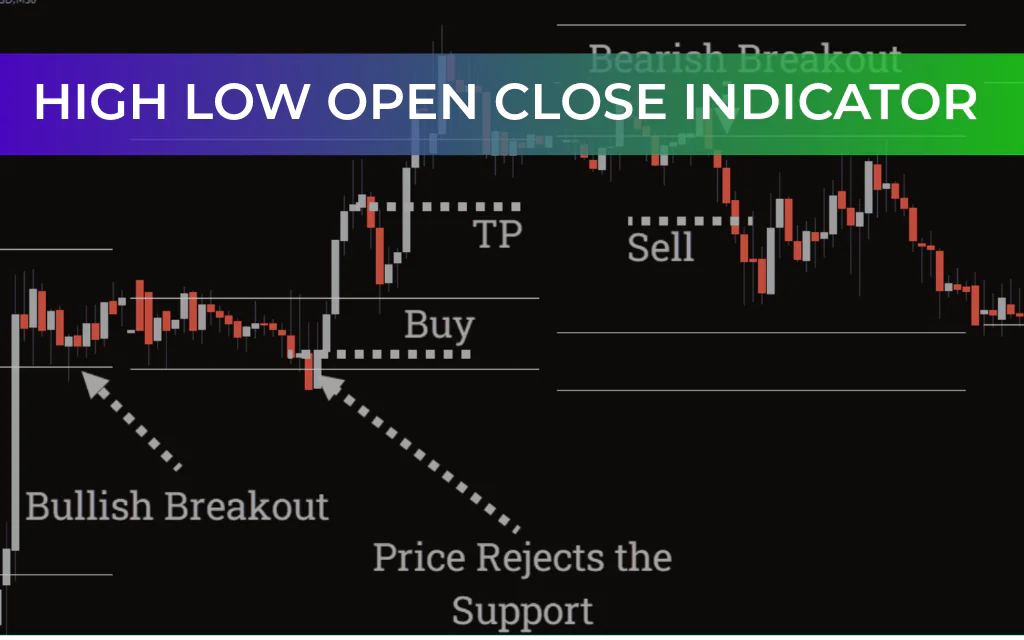
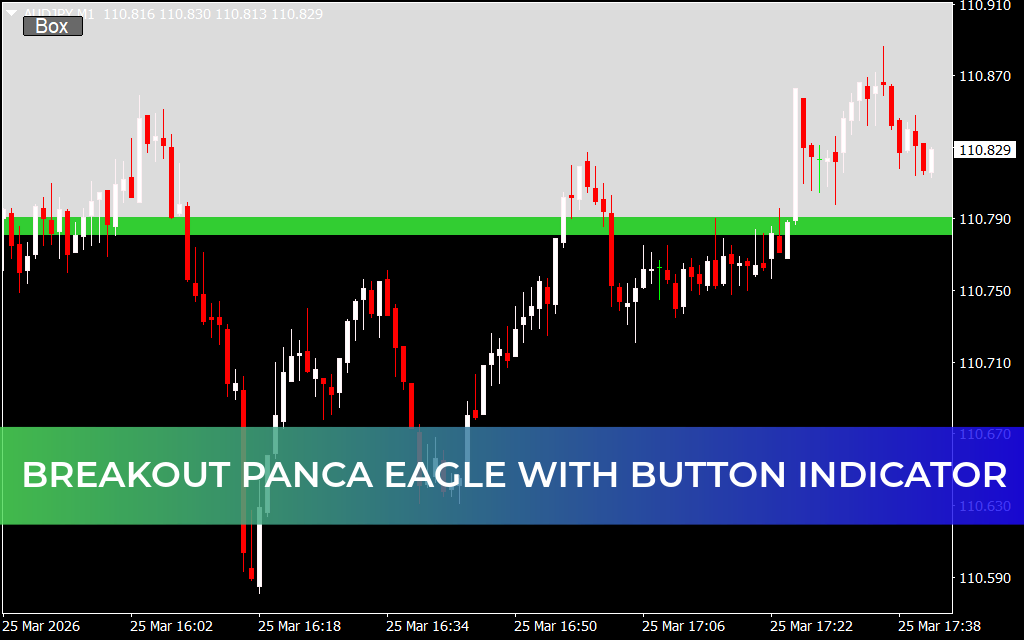
The Breakout Panca Eagle With Button Indicator for MetaTrader 4 (MT4) is designed to help traders identify key breakout zones in the market. Breakout trading is a popular and potentially profitable strategy, and this indicator simplifies spotting these opportunities.
How the Indicator Works
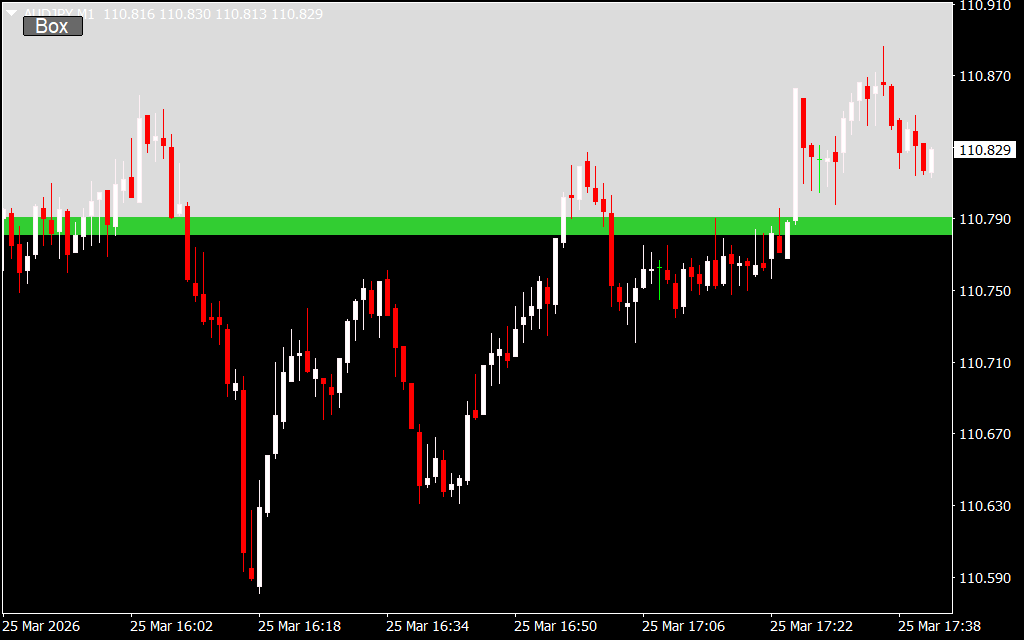
- Breakout Detection: The indicator uses algorithms to analyze past Price Action and mark price zones where strong bullish or bearish movements may occur
- Visual Box Display:
- Shows breakout zones as colored boxes on the chart
- Users can toggle the boxes on or off using the button at the top-left corner of the chart
- Retest Confirmation: After a breakout, the price often retests the box. The indicator allows traders to wait for this retest before entering trades, increasing the probability of a successful trade
How to Trade
- Buy Trade:
- Wait for the price to break above the box
- Look for a bullish candle after the retest
- Enter a buy trade and place a stop loss below the breakout box or the recent swing low
- Sell Trade:
- Wait for the price to break below the box
- Look for a bearish candle after the retest
- Enter a sell trade with a stop loss above the breakout box or recent swing high
- Optional Confirmation: Traders can combine breakout signals with other tools like support/resistance, candlestick patterns, or volume for higher accuracy
Key Features
- Highlights potential breakout zones automatically
- User-friendly interface with on/off button for box visibility
- Works on all MT4 timeframes (best on intraday charts like H1, M30)
- Suitable for beginner, intermediate, and advanced traders
- Helps manage trades with retest-based entry strategy
Conclusion
The Breakout Panca Eagle With Button Indicator for MT4 is a straightforward and practical tool for traders looking to profit from breakout trading strategies. Its visual breakout zones and easy toggling make it accessible for all types of Forex traders.
FAQ
It toggles breakout box visibility so you declutter screenshots while retaining access to the underlying zones when needed.
Break the box edge, wait for a retest holding beyond the shell, then enter with stop on the far side of the box or latest swing per playbook.
This build emphasises algorithmic breakout zones plus hide or show controls rather than only static Asian boxes.
H1 and M30 are cited as practical intraday canvases—verify on your server clock.
Demand rejection or continuation after retest instead of market-ordering the very first poke.
1 Download
Published:
Mar 25, 2026 12:44 PM
Category:
Share: