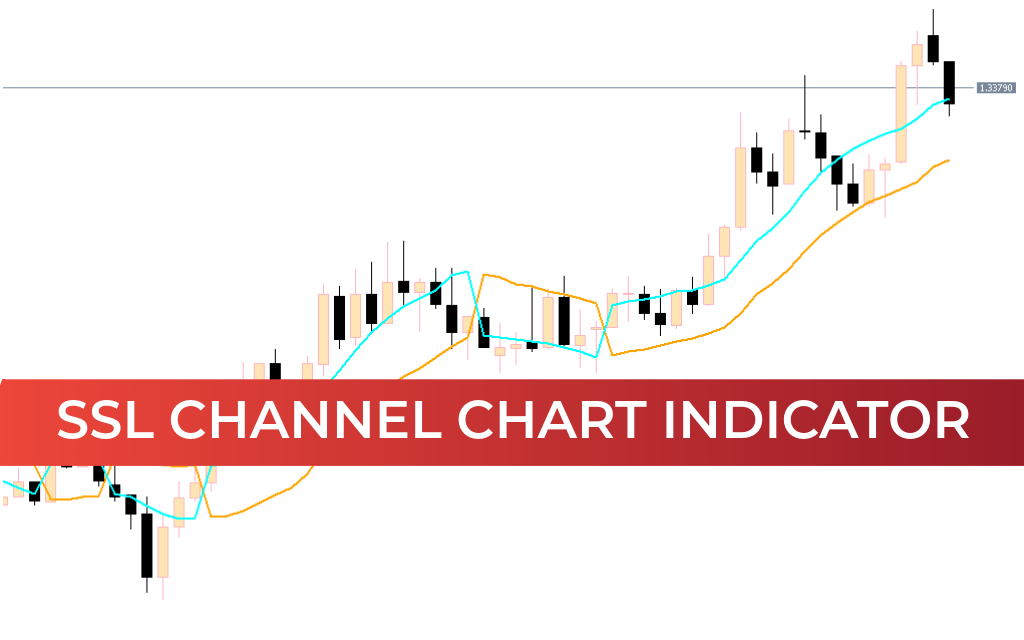
The SSL Channel Chart Alert Indicator for MT5 is a powerful trend-following tool built from moving averages that helps traders quickly identify market direction and trading opportunities. SSL stands for Semaphore Signal Level, and the indicator provides clear visual BUY and SELL signals through line crossovers that represent bullish and bearish market conditions.
Designed for simplicity and reliability, this indicator is especially useful for traders who follow trend-based strategies. It delivers easy-to-read signals, real-time alerts, and consistent performance across multiple timeframes.
Built for the MetaTrader environment developed by MetaQuotes Software Corp., it integrates smoothly into professional forex trading workflows.
What Is the SSL Channel Chart Alert Indicator?
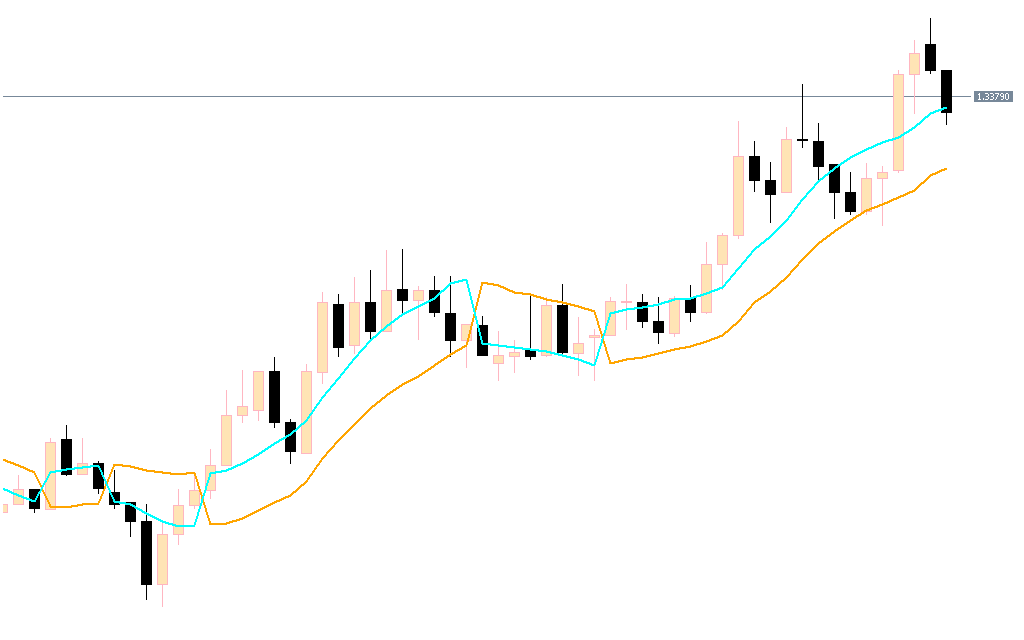
The indicator uses moving average channels to generate trading signals based on line crossovers:
- Green line crossing above red → Bullish trend
- Green line crossing below red → Bearish trend
- Visual alerts for new signals
- Non-repainting structure for reliable decision-making
Because the indicator does not repaint, traders can trust signals after they appear — making it suitable for beginners as well as experienced traders.
How SSL Channel Trading Signals Work

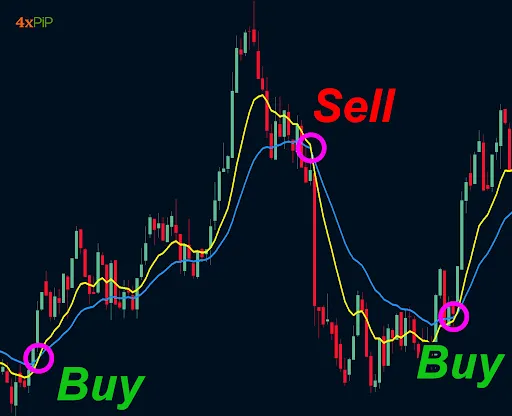

4
The indicator displays bullish and bearish market conditions using two color-coded lines:
BUY Setup
- Green line crosses above red line
- Confirms bullish trend shift
- Stop loss: previous swing low
- Exit: opposite crossover or target reached
SELL Setup
- Green line crosses below red line
- Confirms bearish trend shift
- Stop loss: previous swing high
- Exit: opposite signal or risk-reward target achieved
These crossover signals provide straightforward entries and exits, making strategy execution simple and structured.
Multi-Timeframe Trading with SSL Channel
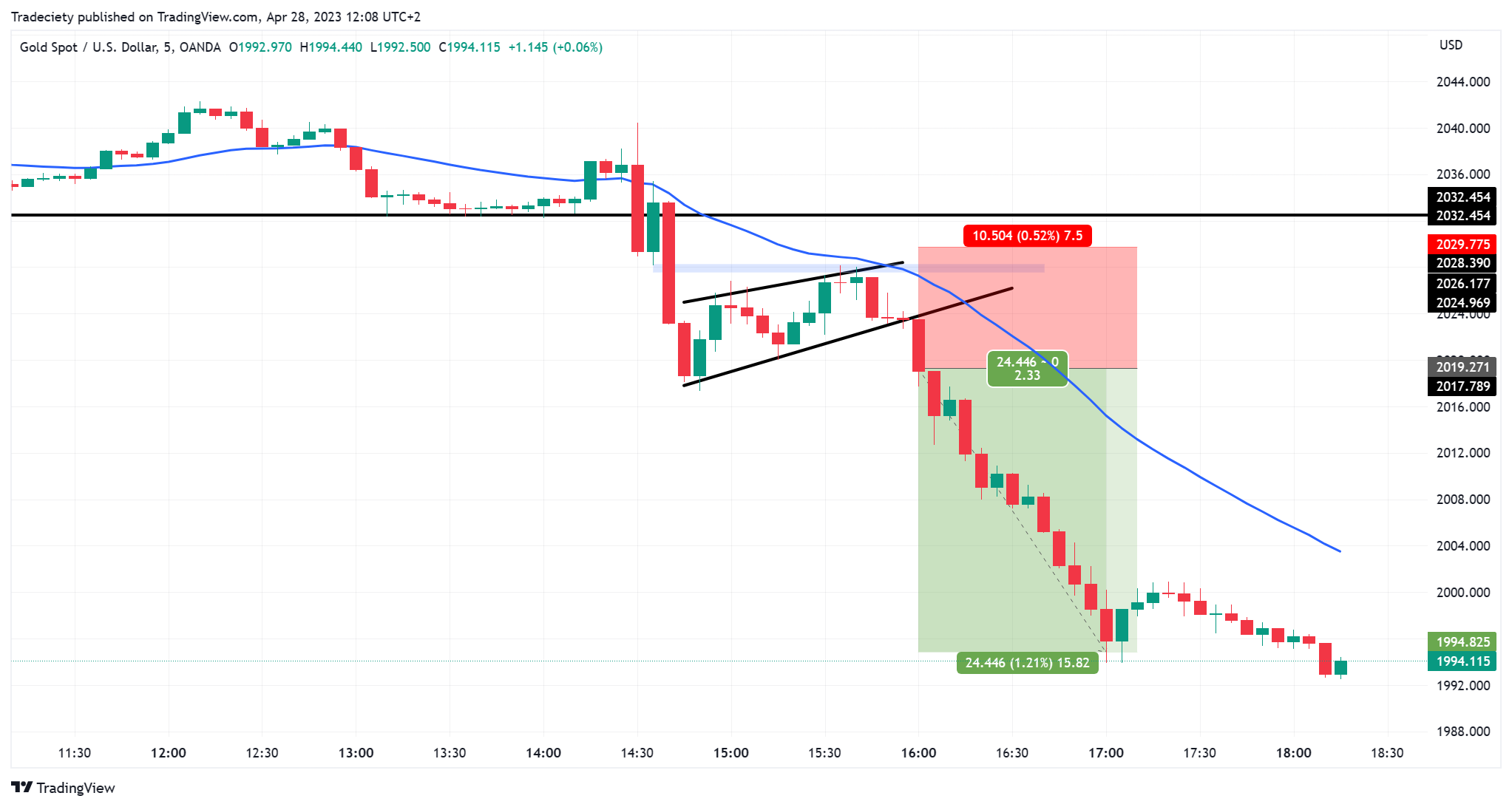
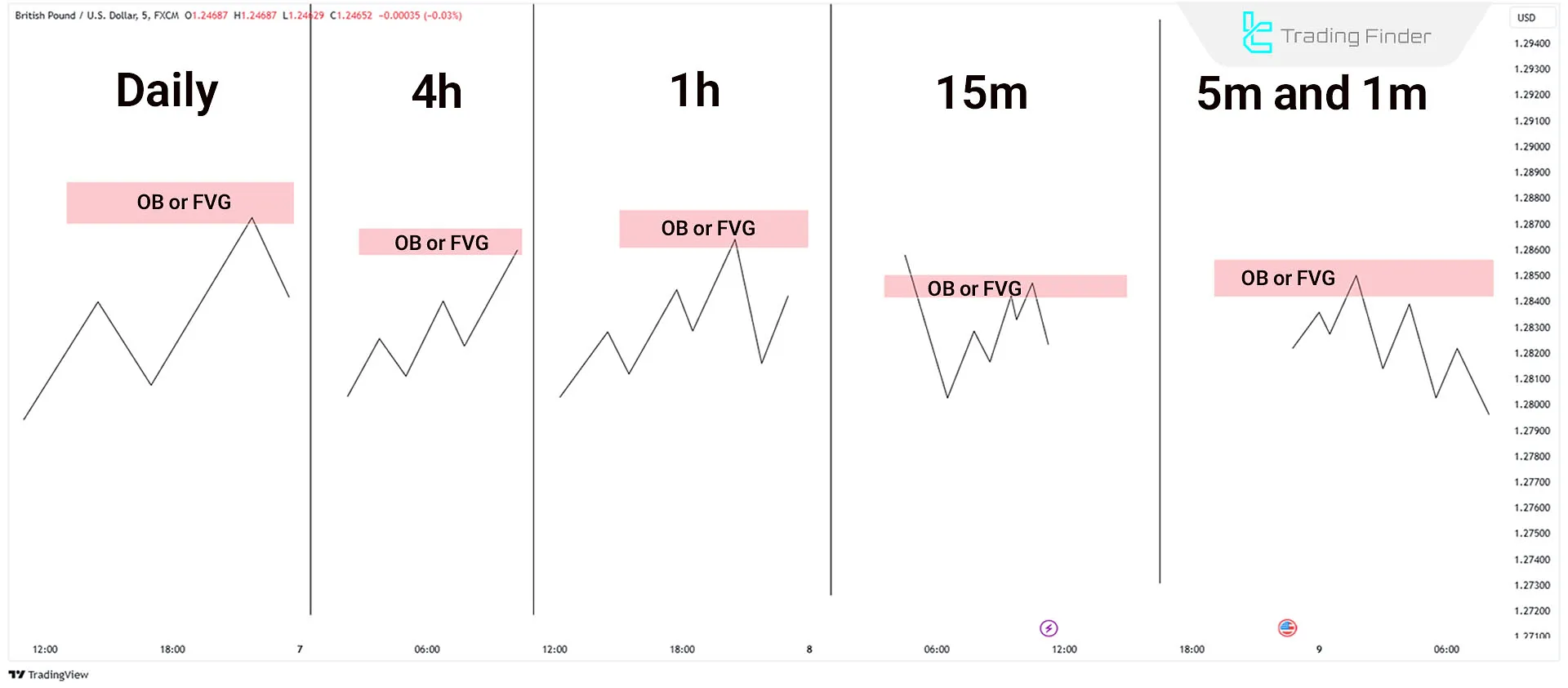

4
The SSL Channel indicator works across all timeframes — from intraday to long-term charts:
Lower Timeframes (M5, M15)
- Frequent signals
- Suitable for Scalping or intraday trading
- May require filtering to avoid noise
Higher Timeframes (H1, Daily, Weekly, Monthly)
- Stronger trend confirmation
- More reliable signals
- Better for swing and position trading
For best results, traders often use a top-down approach:
- Identify major trend on higher timeframe
- Find precise entry on lower timeframe
- Confirm with support, resistance, or trendlines
Advanced traders frequently combine the indicator with momentum oscillators to strengthen signal confirmation.
Why Traders Use the SSL Channel Indicator
- Clear bullish and bearish crossover signals
- Non-repainting indicator structure
- Built-in alerts for trade opportunities
- Works on all currency pairs and timeframes
- Suitable for manual and automated trading
- Easy installation and free download
Its simplicity makes it beginner-friendly, while its flexibility allows advanced traders to build sophisticated confluence strategies.
Conclusion
The SSL Channel Chart Alert Indicator for MT5 is a reliable moving-average-based Trend Indicator that delivers clear BUY and SELL signals through crossover analysis. With non-repainting alerts, multi-timeframe compatibility, and easy visual interpretation, it provides traders with a practical tool for trend identification and trade execution.
While it performs effectively on its own, combining it with additional technical indicators can further enhance trading accuracy and consistency. For traders who rely on structured trend-following strategies, this indicator is a valuable addition to any MetaTrader trading setup.
FAQ
Published:
Feb 27, 2026 09:56 AM
Category: