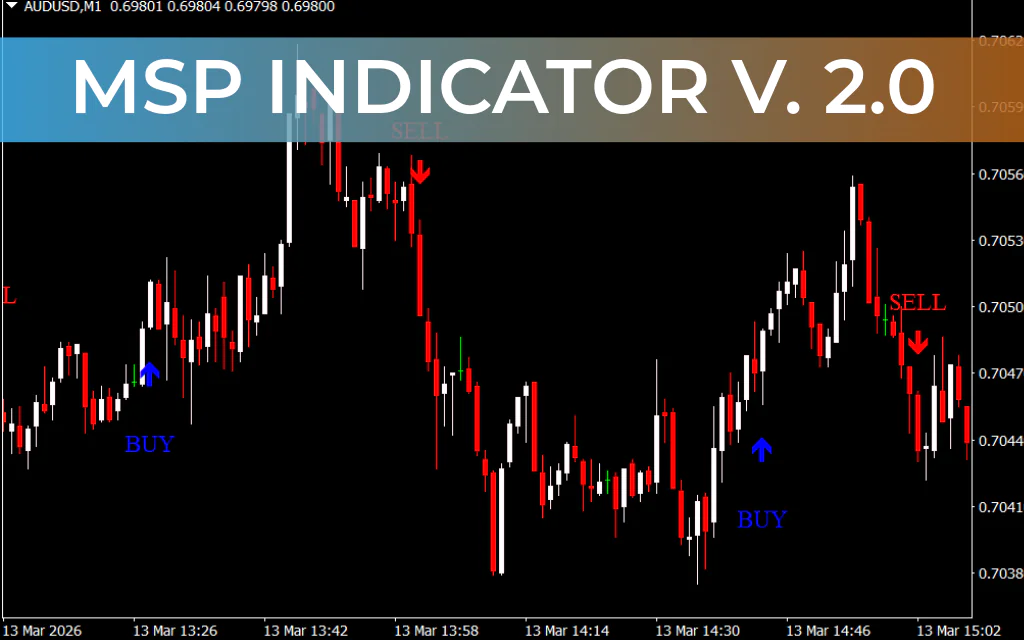
The MSP Indicator is a volatility-based day trading tool developed for the MetaTrader 4 platform. It uses the Average True Range (ATR) to measure market volatility and identify potential Trend Reversal points. When the indicator detects a shift between bullish and bearish momentum, it plots arrow signals and text labels (BUY/SELL) directly on the chart.
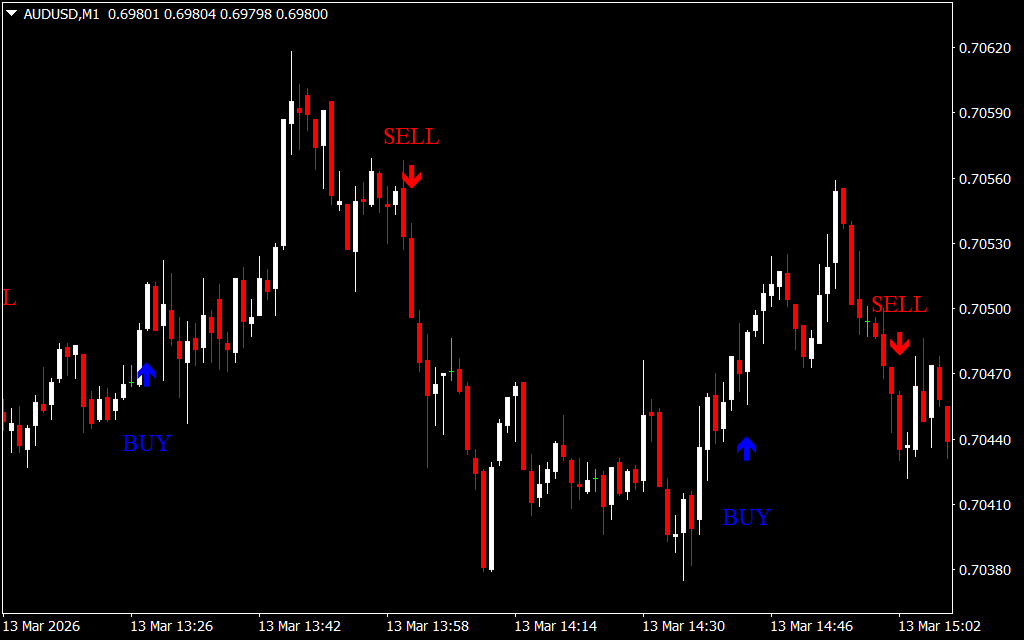
This visual approach eliminates the need for manual signal interpretation, making the MSP indicator especially useful for beginner traders and scalpers. With simple signals and clear direction, traders can easily follow the arrows to execute trades.
Key Features
- ATR-based volatility analysis to detect momentum shifts
- Automatic BUY/SELL signals with arrows and text labels
- Simple visual interface suitable for beginners
- Focus on high-quality signals rather than frequent signals
- Works well for forex day trading and Scalping
How the MSP Indicator Works
The MSP indicator uses a 14-period Average True Range (ATR) to evaluate the average price movement. It analyzes the high and low values of previous candles to determine the volatility range.
- Buy Signal: Triggered when the current price moves above the calculated average value.
- Sell Signal: Triggered when the price drops below the average level.
When a signal appears, the indicator prints:
- Up arrow + “BUY” text → Potential bullish reversal
- Down arrow + “SELL” text → Potential bearish reversal
Trading Strategies Using MSP Signals
1. Aggressive Entry
This strategy involves entering trades immediately after a signal appears.
Steps:
- Wait for the indicator to display a BUY or SELL arrow with text.
- Enter the trade immediately in the direction of the signal.
- Exit when the opposite signal appears or after reaching at least 2R profit (twice your risk).
This approach captures early momentum but carries slightly higher risk.
2. Conservative Entry
The conservative method treats MSP signals as early warnings of potential trend reversals.
Steps:
- Wait for a BUY or SELL signal from the indicator.
- Look for additional confirmation using Price Action or breakouts.
- Enter the trade only after confirmation appears.
Example:
If the MSP indicator shows a SELL signal, wait for a bearish breakout or strong bearish candle before entering the trade.
Advantages
- Easy-to-follow visual signals
- Suitable for beginners and experienced traders
- Focuses on signal accuracy rather than frequency
- Works across multiple currency pairs and timeframes
Conclusion
The MSP Indicator for MT4 is a practical tool for traders who want clear and reliable trend reversal signals. By combining ATR-based volatility analysis with simple arrow signals, it helps traders identify high-probability trading opportunities. While it can be used as a standalone tool, combining MSP signals with price action or breakout confirmation can significantly improve trading accuracy.
FAQ
8 Downloads
Published:
Mar 14, 2026 19:00 PM
Category: