Free
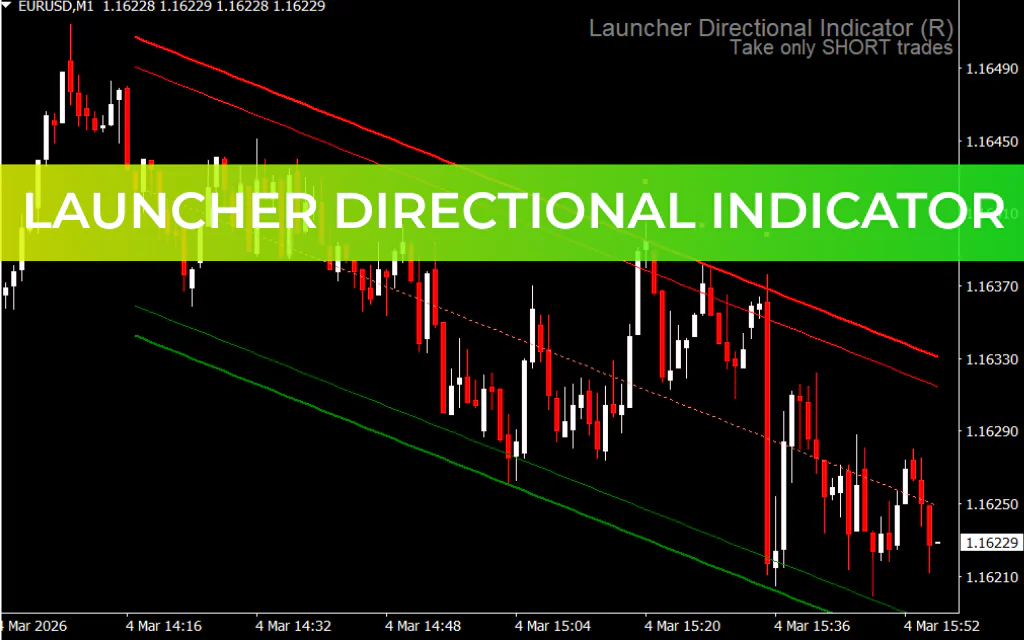
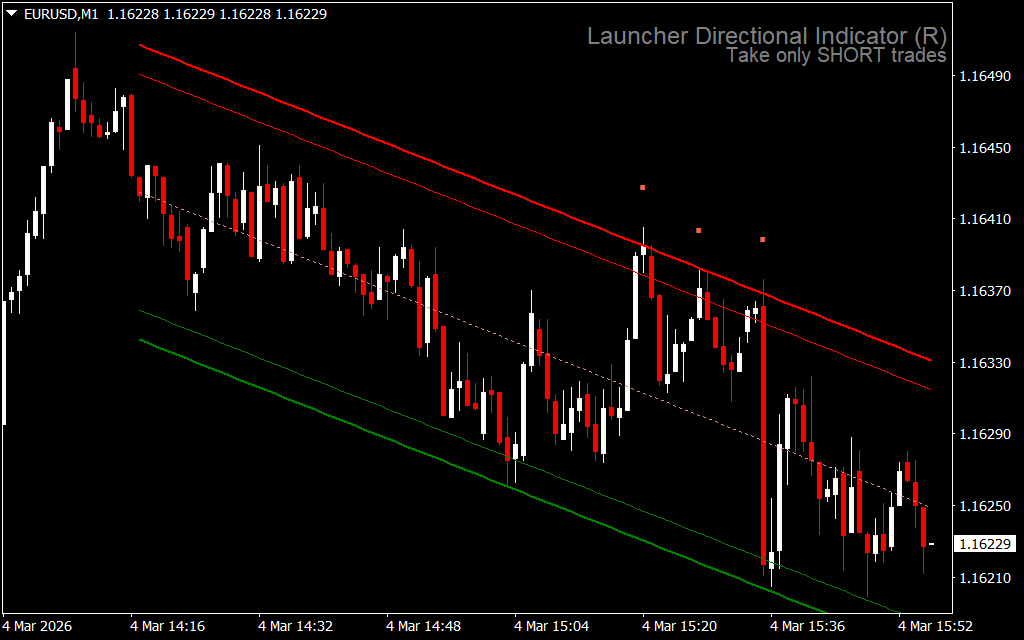
The Launcher Directional Indicator for MetaTrader 4 is a semi-automated trading tool designed to simplify market analysis. This 3-in-1 indicator combines trend analysis, entry signals, and support/resistance detection to help traders make informed decisions.
How the Launcher Directional Indicator Works
The indicator features three main components:
- Trend Analyzer:
- Uses trend channel lines to determine market direction.
- Highlights bullish or bearish trends for easier decision-making.
- Buy/Sell Signals:
- Blue dots: Suggest buy entries.
- Red dots: Suggest sell entries.
- Support/Resistance Zones and Trading Tips:
- Outer channel lines mark potential support/resistance where price may reverse.
- Provides actionable recommendations, including ideal stop loss zones and trade direction.
How to Trade with the Launcher Directional Indicator
- Identify Trend:
- Observe the trend channel to determine bullish or bearish bias.
- Entry Points:
- Use blue/red dots in combination with Price Action and wick rejections at support/resistance zones for high-probability trades.
- Trade Confirmation:
- Confirm trades with price retests of demand/supply zones and candlestick patterns.
- Timeframe Flexibility:
- Suitable for Scalping, intraday, day trading, and swing trading.
Example Trade
On an H1 CADCHF chart:
- The indicator marked a bullish channel.
- Price was rejected at the support zone, signaling upward momentum.
- After a retest of the demand zone and a bullish close, a buy entry was confirmed.
Conclusion
The Launcher Directional Indicator for MT4 is a versatile, semi-automated trading tool that combines trend detection, entry signals, and support/resistance analysis to enhance trading accuracy. It is ideal for novice and intermediate traders and works across multiple trading styles. You can download the Launcher Directional Indicator for free today.
FAQ
3-in-1: Trend Analyzer (trend channel lines, bullish/bearish), Buy/Sell Signals (blue dots = buy, red dots = sell), Support/Resistance Zones (outer channel lines, stop loss zones, trade direction). Semi-automated.
Identify trend from channel. Use blue/red dots with price action and wick rejections at S/R zones. Confirm with price retests of demand/supply.
Trend channel lines determine market direction. Highlights bullish or bearish trends for easier decision-making.
Mark potential support/resistance where price may reverse. Actionable recommendations including ideal stop loss zones and trade direction.
Traders simplifying market analysis. Informed decisions. MT4.
6 Downloads
Published:
Mar 04, 2026 09:57 AM
Category:
Share: