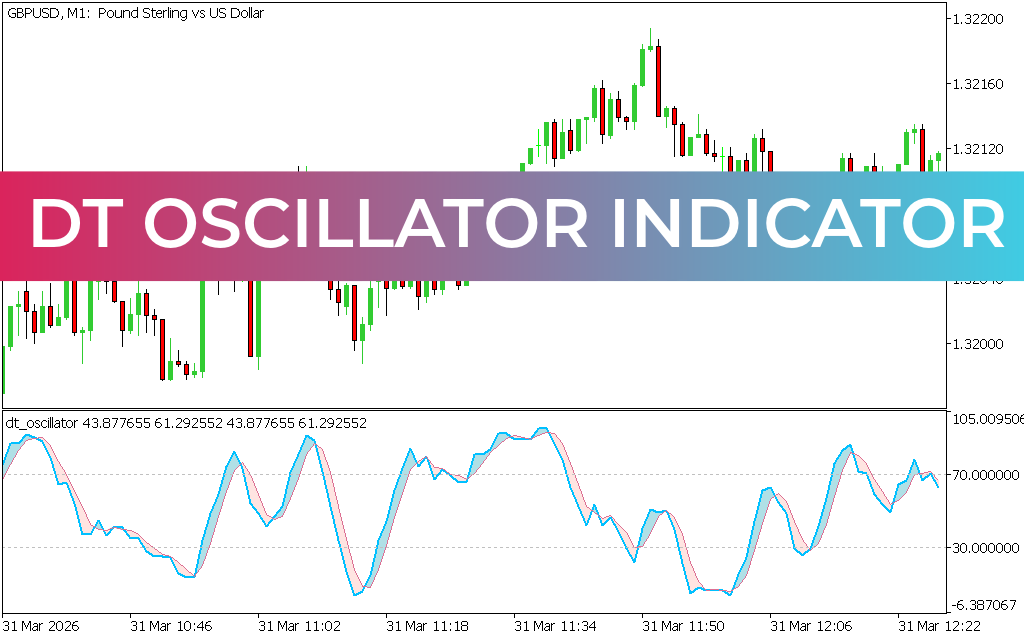
The DT Oscillator Indicator for MT5 is a hybrid technical tool that combines the Relative Strength Index (RSI) and Stochastic Oscillator to determine market trend direction. It fluctuates between 0 and 100, where 0 represents oversold conditions and 100 represents overbought conditions. This makes it a versatile indicator for identifying potential reversals and continuation signals.
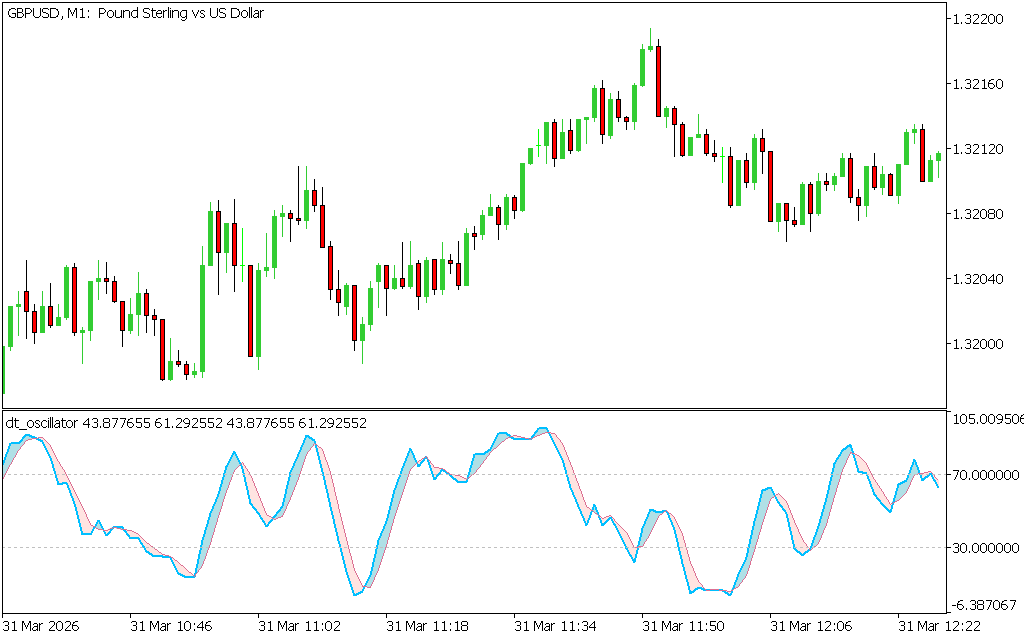
How the DT Oscillator Works
- Calculation: Uses RSI and Stochastic formulas to generate values between 0 and 100.
- Overbought Zone (Near 100): Suggests bearish reversal potential.
- Oversold Zone (Near 0): Suggests bullish reversal potential.
- Timeframes: Works across all chart timeframes, but higher timeframes provide more reliable signals by filtering out market noise.
How to Trade with the DT Oscillator in MT5
- Identify Overbought Levels – When the oscillator approaches 100, prepare for a possible bearish reversal and short opportunities.
- Spot Oversold Levels – When the oscillator approaches 0, anticipate a bullish reversal and long opportunities.
- Confirm with Other Indicators – Use RSI, Stochastic, or Price Action patterns to validate signals and avoid false entries.
- Apply to Multiple Timeframes – Use higher timeframe signals for trend direction and lower timeframes for precise entries.
For example, on the AUD/NZD H1 chart, a reading near 100 may signal bearish momentum, while a reading near 0 may highlight bullish reversal potential.
Benefits
- Combines two proven oscillators (RSI and Stochastic).
- Provides clear overbought and oversold signals.
- Works across all trading styles and timeframes.
- Suitable for beginners and experienced traders.
Conclusion
The DT Oscillator Indicator for MT5 is a powerful tool that merges RSI and Stochastic calculations to highlight overbought and oversold conditions. By using it alongside other technical indicators, traders can improve accuracy and capitalize on high-probability trading opportunities. Best of all, it is free to download and easy to install.
Published:
Apr 08, 2026 01:47 AM
Category: